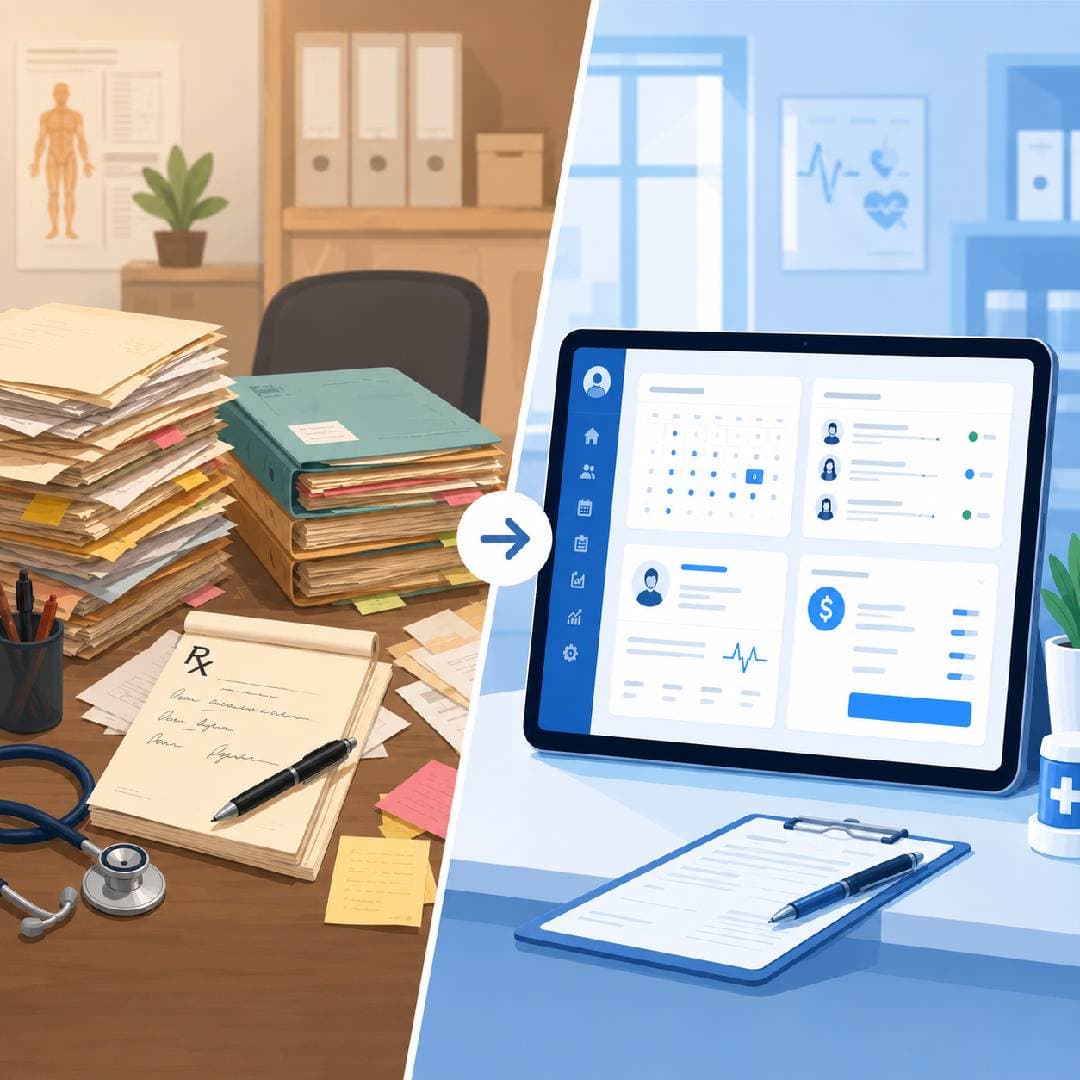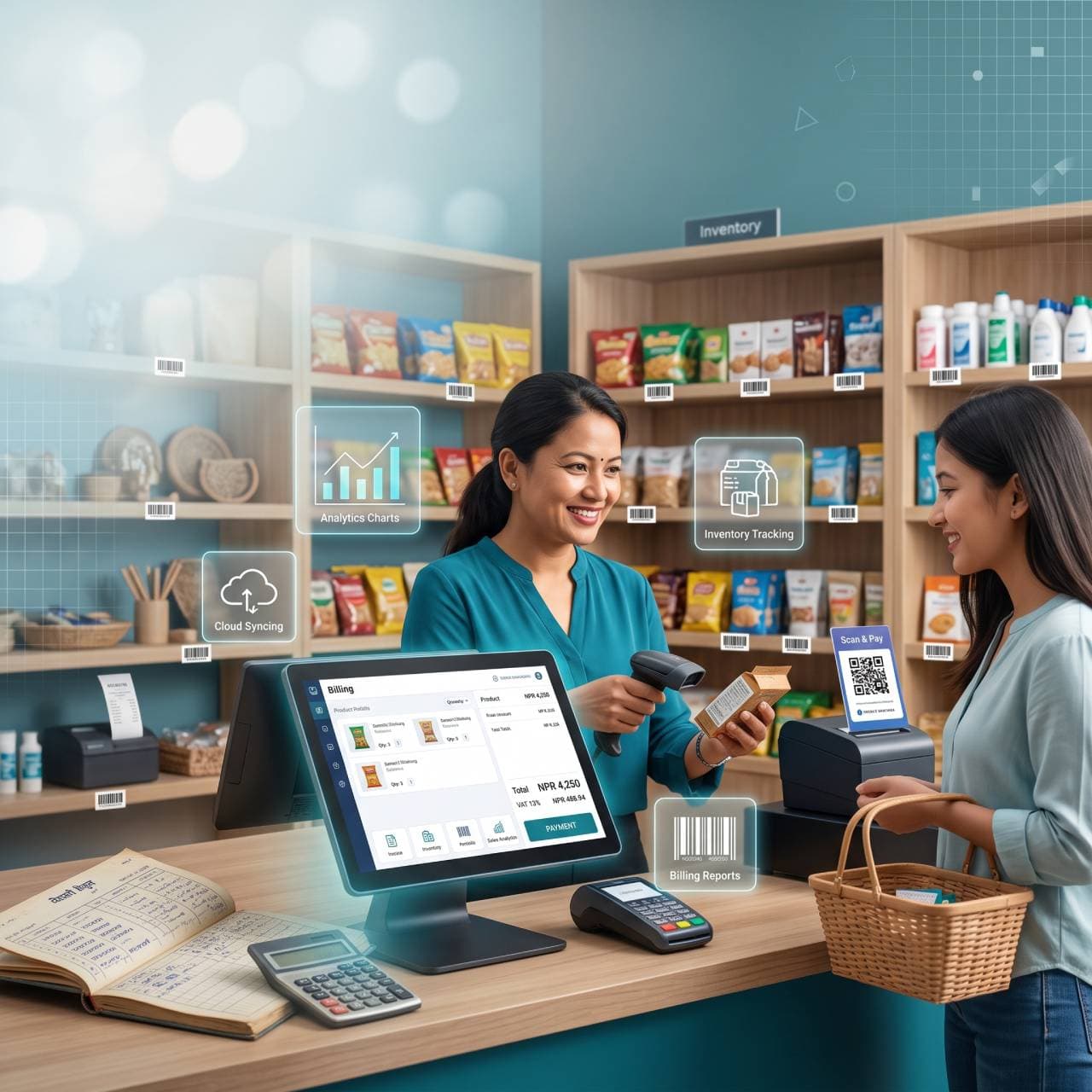
Walk into most retail shops across Kathmandu, Bhaktapur, or Lalitpur and you'll still find a familiar scene: a handwritten ledger, a calculator, and a shopkeeper trying to remember how much stock is left in the back room. It works — until it doesn't. A missing invoice, a miscounted inventory, or a customer disputing a bill can cost more time and money than the software that would have prevented it.
More Nepali retail businesses are now switching to POS (Point of Sale) and billing software to run their day-to-day operations. But with several options in the market — some built for global markets, some built specifically for Nepal — picking the right one isn't always straightforward. Here's what actually matters.
Why Retail Shops in Nepal Are Moving Away from Manual Billing
Manual systems have three recurring problems:
Errors add up. A single miscalculated bill or missed entry can throw off your entire day's accounting.
Stock visibility is poor. Without real-time inventory tracking, shops either run out of fast-moving items or over-order slow ones, tying up cash.
Reporting takes forever. Preparing monthly or yearly sales and purchase summaries by hand — especially around tax season — eats into hours you could spend running the business.
POS software solves these by recording every sale, tracking stock automatically, and generating reports in seconds instead of days.
What to Actually Look for in POS Software
Not all POS systems are built the same, and a lot of shop owners end up paying for features they'll never use — or missing the ones they actually need. Here's a practical checklist.
1. Built for How Nepali Shops Actually Operate
Generic international POS tools often assume a level of infrastructure — constant fast internet, foreign payment gateways, different tax structures — that doesn't match how most Nepali retail shops run day to day. Look for software designed around local billing formats, NPR pricing, and the kind of inventory turnover typical of Nepali retail (grocery, garments, electronics, pharmacy, etc.).
2. Simple Enough for Your Staff to Use on Day One
If your counter staff need a week of training just to ring up a sale, the software is working against you. A good POS should let a new employee process a bill within minutes — clear product search, quick checkout, and minimal clicks.
3. Real-Time Inventory Tracking
Your software should update stock automatically the moment a sale happens, and alert you when items are running low. This alone eliminates one of the most common sources of lost sales — not having what the customer wants because nobody noticed it ran out.
4. VAT-Ready Sales and Purchase Reports
Even before formal government e-billing integration comes into play, your POS should be generating clean, VAT-ready sales and purchase reports you can hand to your accountant or use for your own tax filing — without hours of manual reconciliation.
A note on IRD/CBMS certification: Nepal's tax authority (IRD) has a formal e-billing certification process (CBMS) that some software providers are certified for and others are actively pursuing. If real-time government billing integration matters for your business, ask any vendor directly whether they're currently certified — don't assume "VAT-ready reports" means the same thing as IRD certification. They're related but not identical.
5. Works Reliably Even with Patchy Internet
Power cuts and inconsistent internet are still a reality in many parts of Nepal. A POS system that stops working the moment your connection drops isn't reliable for a busy shop floor. Ask specifically how the software handles offline situations.
6. Transparent, Predictable Pricing
Watch for hidden costs — per-transaction fees, expensive add-ons for basic features, or steep annual jumps after an introductory price. A monthly subscription model with clear inclusions is usually easier to budget around than a large upfront license fee.
7. Local Support You Can Actually Reach
When your billing system goes down during peak hours, you need a support team that responds in minutes, not a ticket queue in a different time zone. Local support — ideally in Nepali or Nepali-accented English, over phone or WhatsApp — makes a real difference when something breaks.
Common Mistakes Shop Owners Make When Choosing POS Software
Choosing the cheapest option without checking what's excluded. Some "free" or ultra-low-cost tools charge extra for inventory management, multi-user access, or reporting — the exact features you actually need.
Ignoring how easy the software is to migrate away from later. Make sure you can export your own sales and inventory data whenever you want.
Not testing it on a real busy day. A demo in a quiet office looks very different from ringing up 40 customers in an hour. Ask for a trial period if one's available.
Where Sellaru Fits In
Sellaru is a cloud-based POS and retail management platform built specifically for Nepali stores — covering billing, inventory, purchases, sales tracking, and VAT-ready reports in one dashboard, starting from NPR 999/month. It's designed to be simple enough for counter staff to pick up quickly, while giving owners the reporting and stock visibility they need to run the business, not just the till.
If you're currently comparing options for your shop, it's worth trying a system built around how Nepali retail actually works rather than adapting a generic international tool to fit.
Final Thought
The right POS software shouldn't just replace your notebook — it should give you visibility into your business you didn't have before: what's selling, what's not, where cash is tied up in stock, and how your numbers look without waiting until month-end to find out. Take the time to test a system properly before committing, and make sure it fits how your shop actually runs day to day.
Have questions about setting up POS software for your retail store? Get in touch with D.Work Labs for a free consultation.