This guide breaks down what POS (Point of Sale) software actually does, what to look for before you buy one, and how Nepali-specific requirements like VAT compliance change the decision.
What Is POS Software, Really?
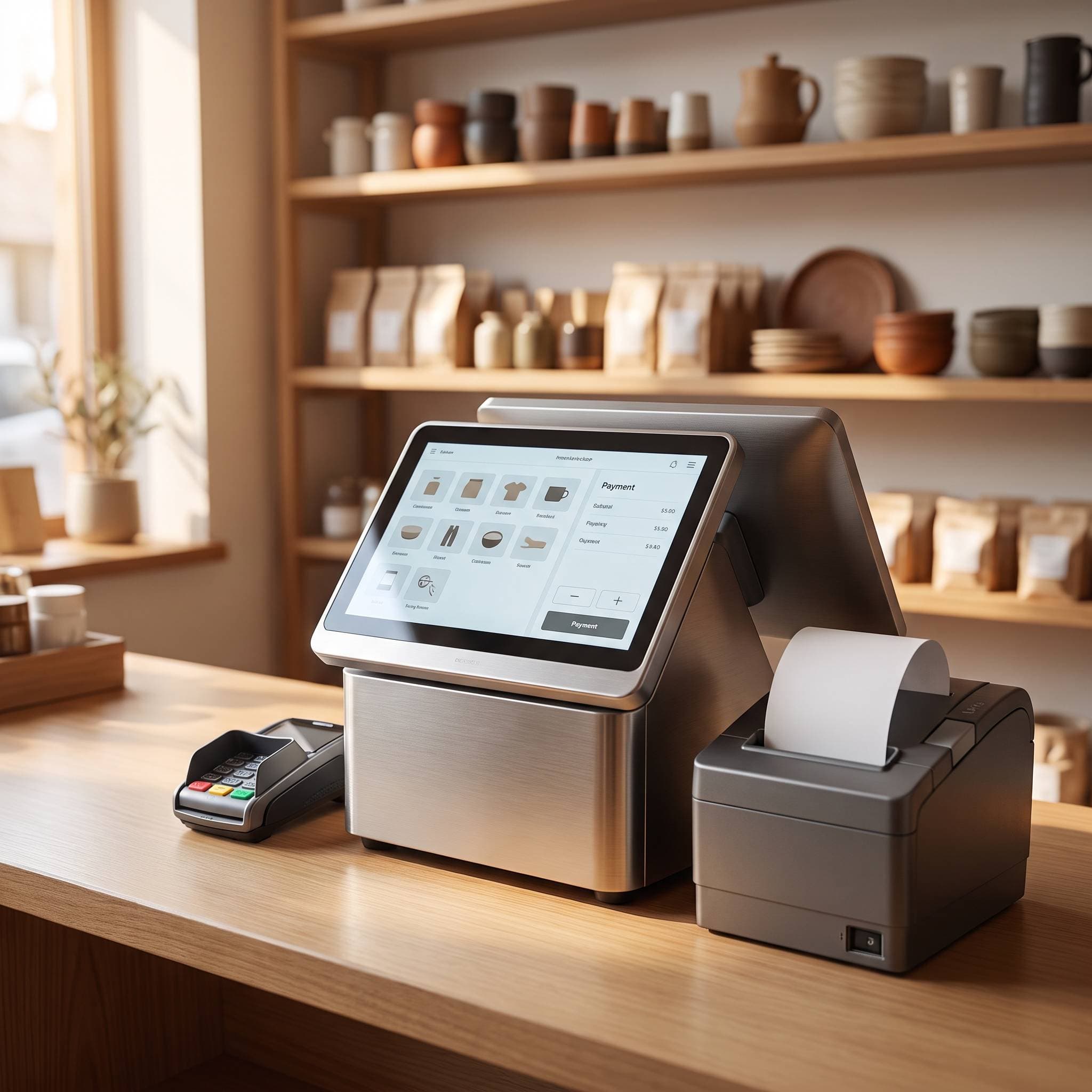
POS software is more than a digital cash register. A good POS system for a retail shop should handle:
Billing & checkout — fast, error-free invoicing at the counter
Inventory tracking — real-time stock levels across one or multiple branches
VAT-compliant reporting — bills and reports that match IRD (Inland Revenue Department) requirements
Sales analytics — which products sell, when, and at what margin
Multi-user access — different logins for owner, cashier, and staff with different permissions
Generic international POS tools often miss the second and third points — they're built for markets with different tax structures entirely, which is where Nepal-specific software has a real edge.
Why Manual Billing Is Costing You More Than You Think
Shops that stick to manual or spreadsheet-based systems typically run into the same three problems:
Stock discrepancies. Without real-time inventory, you either overstock (cash tied up in unsold goods) or understock (lost sales when a customer wants something you didn't know had run out).
VAT filing stress. Reconstructing a month or a quarter's worth of sales from handwritten bills at tax time is slow and error-prone — and mistakes on VAT filings bring their own headaches with IRD.
No visibility into what's actually profitable. Without sales data, decisions about what to stock more of are guesswork, not strategy.
A proper POS system fixes all three by design — the data is captured at the point of sale, automatically.
What to Look for in a POS System in Nepal
Before choosing software, check it against these criteria:
1. VAT and Nepal Tax Compliance
This is the single biggest differentiator. Your POS should generate bills and reports in the format IRD expects, and should be built with Nepal's VAT structure in mind — not adapted from a foreign template after the fact.
2. Works With Nepal's Internet Realities
Load-shedding is largely behind us, but internet drops still happen. A system that keeps working offline and syncs when the connection returns is far more practical for a shop than one that stops billing the moment Wi-Fi blinks.
3. Multi-Branch Support
If you run more than one outlet, or plan to, check whether the system can show combined and per-branch stock and sales — without needing separate logins or manual reconciliation.
4. Pricing That Makes Sense for a Small Shop
Enterprise retail software built for large chains is often overpriced and overbuilt for a single shop or small chain in Nepal. Look for local pricing in NPR, not a converted USD/month plan.
5. Local Support
When your billing system goes down at 6 PM on a Saturday, you need a support number that answers in Nepali or English — not a ticket queue in a different timezone.
Introducing Sellaru: Retail Management Built for Nepal
Sellaru is D.Work Labs' retail management platform, built specifically for how Nepali shops actually operate. It's designed around the same VAT-compliance and multi-branch needs covered above, rather than being a foreign POS tool with Nepal features bolted on.
What Sellaru handles:
Point-of-sale billing with fast checkout
Real-time inventory across single or multiple branches
VAT-compliant invoicing and reports ready for IRD filing
Sales and product-level analytics, so you know your actual bestsellers and margins
NPR-based pricing built for small and mid-sized Nepali retailers
If you're currently running your shop on paper, a shared Excel file, or software that wasn't built with Nepal's tax rules in mind, moving to a system like Sellaru is usually the difference between chasing your numbers every month-end and just glancing at a dashboard.
Is It Worth Switching From Manual to a POS System?
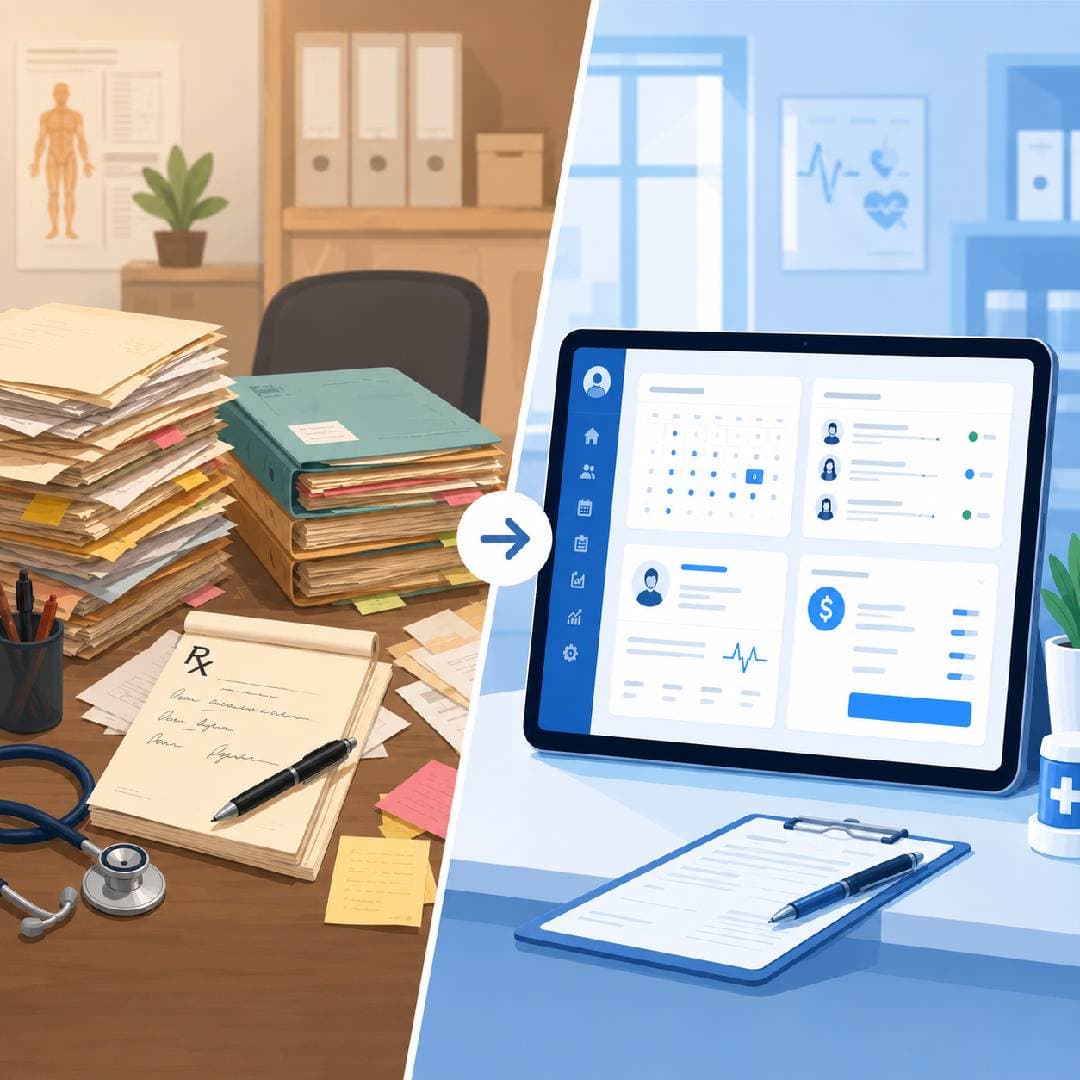
For most shops, the payback is fast. Time saved on manual bookkeeping, fewer stock-related losses, and less VAT-season panic tend to cover the cost of a POS subscription well within the first few months — the same pattern we've seen with clinics moving off paper records onto digital systems.
If you're weighing the decision, ask yourself:
How many hours a week does your team spend on manual billing or stock counts?
Have you ever discovered a stock shortage only when a customer asked for something?
Does your VAT filing take days of reconstruction from paper bills?
If you answered yes to any of these, it's worth a closer look.
Frequently Asked Questions
Is POS software expensive for a small shop in Nepal? Not necessarily. Nepal-built platforms like Sellaru price in NPR specifically for small and mid-sized retailers, unlike international tools priced in USD for larger markets.
Does POS software work without internet in Nepal? A well-built system should support offline billing and sync automatically once the connection is back — this is essential given real-world connectivity in many parts of Nepal.
Can POS software handle VAT filing for my shop? A Nepal-specific system like Sellaru generates VAT-compliant bills and reports formatted for IRD requirements, which significantly reduces manual work at filing time.
Can I use POS software for more than one shop branch? Yes — look specifically for multi-branch support with combined and per-branch views, which Sellaru is built to handle.
Ready to move your shop off paper and spreadsheets? Explore Sellaru or get a free consultation with the D.Work Labs team.